文件存储
数据存储
1.新建save方法,运用openFileOutput接收(“文件名”,保存模式(强制覆盖:MODE_PRIVATE,增添追加:MODE_APPEND)),openFileOutput方法返回的是FileOutputStream对象,通过BufferedWriter将其写入到文件中。
2.重写onDestroy()方法,确保销毁前一定会调用save方法。
1
2
3
4
5
6
7
8
9
10
11
12
13
14
15
16
17
18
19
20
21
22
23
24
25
26
27
28
29
30
31
32
33
34
35
36
37
38
39
40
41
| public class MainActivity extends AppCompatActivity {
private EditText edit;
@Override
protected void onCreate(Bundle savedInstanceState) {
super.onCreate(savedInstanceState);
setContentView(R.layout.activity_main);
edit=(EditText) findViewById(R.id.edit_text);
}
@Override
protected void onDestroy() {
super.onDestroy();
String inputText=edit.getText().toString();
save(inputText);
}
public void save(String inputText){
FileOutputStream out=null;
BufferedWriter writer=null;
try{
out=openFileOutput("data", Context.MODE_PRIVATE);
writer=new BufferedWriter(new OutputStreamWriter(out));
writer.write(inputText);
}catch (IOException e){
e.printStackTrace();
}finally {
try {
if (writer!=null){
writer.close();
}
}catch (IOException e){
e.printStackTrace();
}
}
}
}
|
读取数据
新建load()方法,运用openFileInput接收(“文件名”),通过BufferedReader一行行读取对象
1
2
3
4
5
6
7
8
9
10
11
12
13
14
15
16
17
18
19
20
21
22
23
24
25
26
27
| public String load(){
FileInputStream in=null;
BufferedReader reader=null;
StringBuilder content=new StringBuilder();
try{
in=openFileInput("data");
reader=new BufferedReader(new InputStreamReader(in));
String line="";
while((line=reader.readLine())!=null){
content.append(line);
}
}catch (IOException e){
e.printStackTrace();
}finally{
if(reader!=null){
try{
reader.close();
}catch (IOException e){
e.printStackTrace();
}
}
}
return content.toString();
}
|
完整代码:
1
2
3
4
5
6
7
8
9
10
11
12
13
14
15
16
17
18
19
20
21
22
23
24
25
26
27
28
29
30
31
32
33
34
35
36
37
38
39
40
41
42
43
44
45
46
47
48
49
50
51
52
53
54
55
56
57
58
59
60
61
62
63
64
65
66
| public class MainActivity extends AppCompatActivity {
private EditText edit;
@Override
protected void onCreate(Bundle savedInstanceState) {
super.onCreate(savedInstanceState);
setContentView(R.layout.activity_main);
edit=(EditText) findViewById(R.id.edit_text);
String inputText=load();
if(!TextUtils.isEmpty(inputText)){
edit.setText(inputText);
edit.setSelection(inputText.length());
Toast.makeText(this, "Restoring succeeded", Toast.LENGTH_SHORT).show();
}
}
@Override
protected void onDestroy() {
super.onDestroy();
String inputText=edit.getText().toString();
save(inputText);
}
public void save(String inputText){
FileOutputStream out=null;
BufferedWriter writer=null;
try{
out=openFileOutput("data", Context.MODE_APPEND);
writer=new BufferedWriter(new OutputStreamWriter(out));
writer.write(inputText);
}catch (IOException e){
e.printStackTrace();
}finally {
try {
if (writer!=null){
writer.close();
}
}catch (IOException e){
e.printStackTrace();
}
}
}
public String load(){
FileInputStream in=null;
BufferedReader reader=null;
StringBuilder content=new StringBuilder();
try{
in=openFileInput("data");
reader=new BufferedReader(new InputStreamReader(in));
String line="";
while((line=reader.readLine())!=null){
content.append(line);
}
}catch (IOException e){
e.printStackTrace();
}finally{
if(reader!=null){
try{
reader.close();
}catch (IOException e){
e.printStackTrace();
}
}
}
return content.toString();
}
}
|
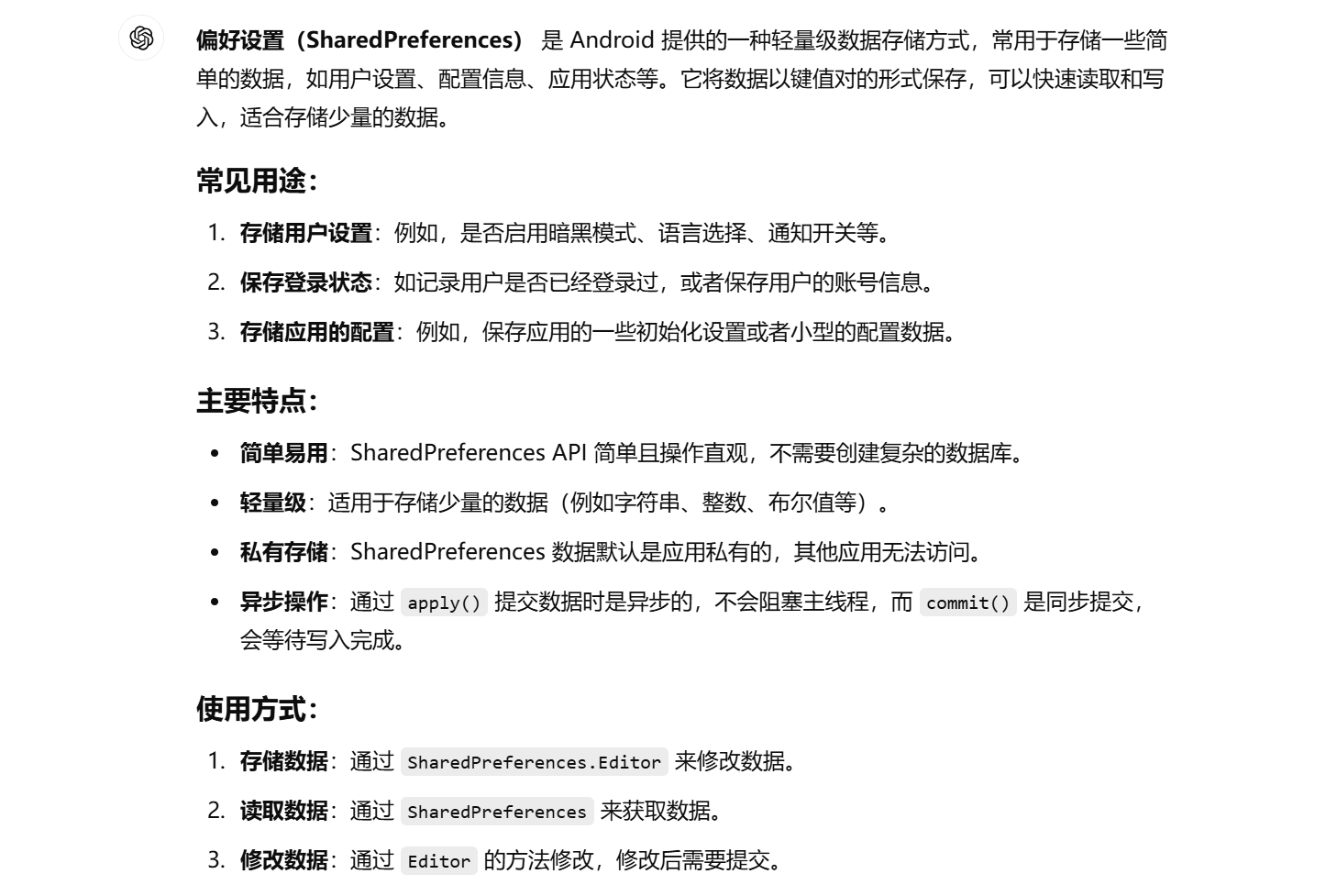
SharedPreferences存储
数据存储
1.用getSharedPreferences设置存放的文件名与模式(唯一)
2.调用edit()方法
3.存入数据并调用apply()方法提交
1
2
3
4
5
6
7
8
9
10
11
12
13
14
15
16
17
18
19
| @Override
protected void onCreate(Bundle savedInstanceState) {
super.onCreate(savedInstanceState);
setContentView(R.layout.activity_main);
Button saveData=(Button) findViewById(R.id.save_data);
saveData.setOnClickListener(new View.OnClickListener() {
@Override
public void onClick(View view) {
SharedPreferences.Editor editor=getSharedPreferences("data",MODE_PRIVATE).edit();
editor.putString("name","Tom");
editor.putInt("age",28);
editor.putBoolean("married",false);
editor.apply();
}
});
}
|
读取数据
1
2
3
4
5
6
7
8
9
10
11
12
13
14
15
16
| Button restoreData=(Button) findViewById(R.id.restore_data);
restoreData.setOnClickListener(new View.OnClickListener() {
@Override
public void onClick(View view) {
SharedPreferences pref=getSharedPreferences("data",MODE_PRIVATE);
String name= pref.getString("name","");
int age= pref.getInt("age",0);
boolean married=pref.getBoolean("married",false);
Log.d("MainActivity", "name is "+name);
Log.d("MainActivity", "age is "+age);
Log.d("MainActivity", "married is "+married);
}
});
|
SQLite数据库存储
SQL语句
整型:integer
浮点型:real
文本型:text
二进制型:blob
创建一个表格:
1
2
3
4
5
6
7
8
| 1.public static final String CREATE_BOOK="create table Book("
+"id integer primary key autoincrement, "
+"author text, "
+"price real, "
+"pages integer, "
+"name text)";
2.private static final String CREATE_TABLE_SQL="create table"+TABLE_NAME_NOTE+"(id integer primary key autoincrement,title text,content,text,create_time text)";
|
创建数据库
1.新建帮助类MyDatabaseHelper继承自SQLiteOpenHelper
2.重写构造方法
3.重写onCreate调用execSQL执行建表语句
4.重写onUpgrade
5.之后可以调用getWritableDatabase()或getReadableDatabase()获取数据库
1
2
3
4
5
6
7
8
9
10
11
12
13
|
public MyDatabaseHelper(@Nullable Context context, @Nullable String name, @Nullable SQLiteDatabase.CursorFactory factory, int version) {
super(context, name, factory, version);
}
@Override
public void onCreate(SQLiteDatabase db){
db.execSQL(CREATE_BOOK);
}
@Override
public void onUpgrade(SQLiteDatabase db, int i, int i1) {
}
|
升级数据库
如果需要在已经创建好的数据库的基础上还想添加几类数据就需要升级数据库
1
2
3
4
5
6
7
8
9
10
11
12
13
14
15
16
17
18
19
20
21
22
23
24
25
26
27
28
29
30
31
32
| public class MyDatabaseHelper extends SQLiteOpenHelper {
public static final String CREATE_BOOK="create table Book("
+"id integer primary key autoincrement, "
+"author text, "
+"price real, "
+"pages integer, "
+"name text)";
public static final String CREATE_CATEGORY="create table Category("
+"id integer primary key autoincrement, "
+"category_name text, "
+"category_code integer)";
private Context mContext;
public MyDatabaseHelper(@Nullable Context context, @Nullable String name, @Nullable SQLiteDatabase.CursorFactory factory, int version) {
super(context, name, factory, version);
mContext=context;
}
@Override
public void onCreate(SQLiteDatabase db){
db.execSQL(CREATE_BOOK);
db.execSQL(CREATE_CATEGORY);
Toast.makeText(mContext, "Create succeeded", Toast.LENGTH_SHORT).show();
}
@Override
public void onUpgrade(SQLiteDatabase db, int i, int i1) {
db.execSQL("drop table if exists Book");
db.execSQL("drop table if exists Category");
onCreate(db);
}
}
|
CRUD:Create添加Read查询Update更新Delete删除
添加数据
可以使用insert()方法插入数据
1
2
3
4
5
6
7
8
9
| public long insertData(Note note){
SQLiteDatabase db=getWritableDatabase();
ContentValues values=new ContentValues();
values.put("title",note.getTitle());
values.put("content",note.getContent());
values.put("create_time",note.getCreatTime());
return db.insert("Note",null,values);
}
|
更新数据
利用updata()方法更新
1
2
3
4
5
6
7
8
| public int updateData(Note note){
SQLiteDatabase db=getWritableDatabase();
ContentValues values=new ContentValues();
values.put("title",note.getTitle());
values.put("content",note.getContent());
values.put("create_time",note.getCreatTime());
return db.update("Note",values,"id=?",new String[]{note.getId()});
}
|
删除数据
用delete()方法删除
1
2
3
4
| public int deleteData(String id){
SQLiteDatabase db=getWritableDatabase();
return db.delete("Note","id=?",new String[]{id});
}
|
查询数据
1**.方法:**通过query()方法
2.**基本语法:**public Cursor query(String table, String[] columns, String selection,String[] selectionArgs, String groupBy, String having, String orderBy)
3.**参数说明:**table:要查询的表名。
columns:要返回的列名数组。可以指定要查询的具体列,若为 null,表示查询所有列。
selection:查询条件,相当于 SQL 中的 WHERE 子句。可以为 null,表示没有条件(即返回所有记录)。
selectionArgs:selection 中占位符(?)的实际值,必须与 selection 中的 ? 占位符一一对应。如果没有占位符,传入 null。
groupBy:对查询结果进行分组的列名数组,通常与 GROUP BY 子句结合使用。如果不需要分组,可以传入 null。
having:分组后筛选的条件,相当于 SQL 中的 HAVING 子句。如果不需要筛选分组后的数据,可以传入 null。
orderBy:排序方式,相当于 SQL 中的 ORDER BY 子句。如果为 null,则不进行排序。
4.返回值:
query() 方法返回一个 Cursor 对象,它包含了查询的结果。通过 Cursor,你可以逐行遍历查询结果并获取每一行的数据。
1
2
3
4
5
6
7
8
9
10
11
12
13
14
15
16
17
18
| SQLiteDatabase db=dbHelper.getWritableDatabase();
Cursor cursor=db.query("Book",null,null,null,null,null,null);
if(cursor.moveToFirst()){
do{
@SuppressLint("Range") String name=cursor.getString(cursor.getColumnIndex("name"));
@SuppressLint("Range") String author=cursor.getString(cursor.getColumnIndex("author"));
@SuppressLint("Range") int pages=cursor.getInt(cursor.getColumnIndex("pages"));
@SuppressLint("Range") double price=cursor.getDouble(cursor.getColumnIndex("price"));
Log.d("MainActivity", "book name is: "+name);
Log.d("MainActivity", "book author is: "+author);
Log.d("MainActivity", "book pages is: "+pages);
Log.d("MainActivity", "book price is: "+price);
}while(cursor.moveToNext());
}
cursor.close();;
}
|
使用SQL操作数据库
添加数据:
1
| db.execSQL("insert into Book(name,author,pages,price) values(? ,?, ?, ?)",new String[]{"The Da Vinci Code","Dan Brown","454","16.96"});
|
插入数据:
db.execSQL("update Book set price=? where name=?",new String[]{"10.99","The Da Vinci Code"});
删除数据:
db.execSQL("delete from Book where pages>?",new String[]{"500"});
查询数据:
db.rawQuery("select * from Book",null);